CRM Reporting and Analytics: The Metrics That Actually Drive Revenue
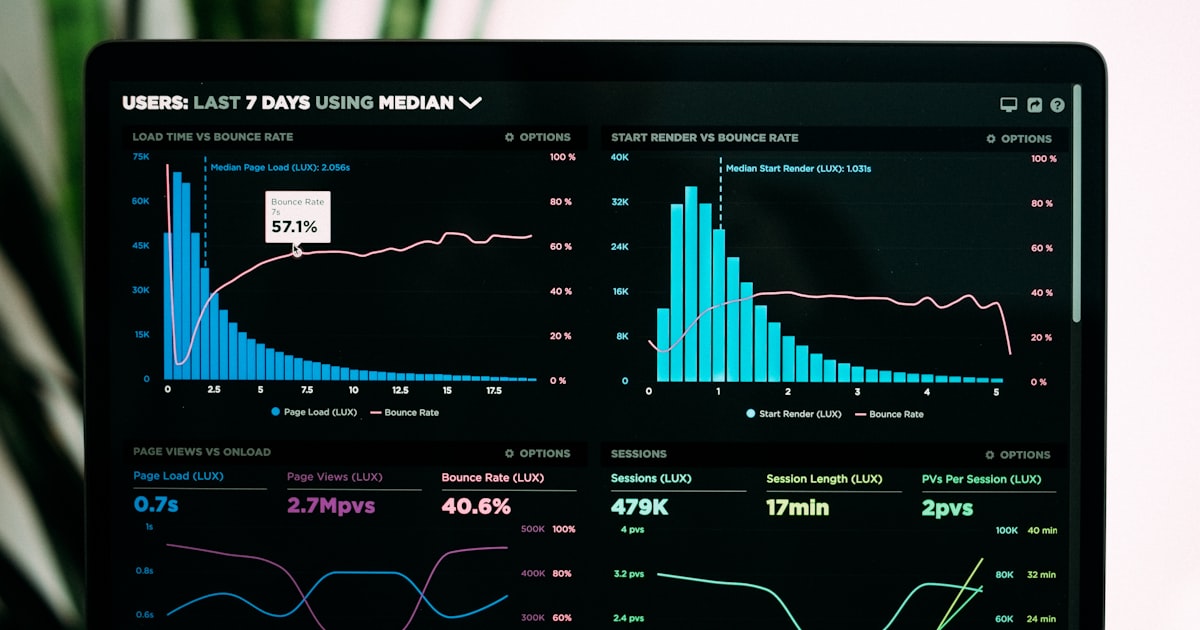
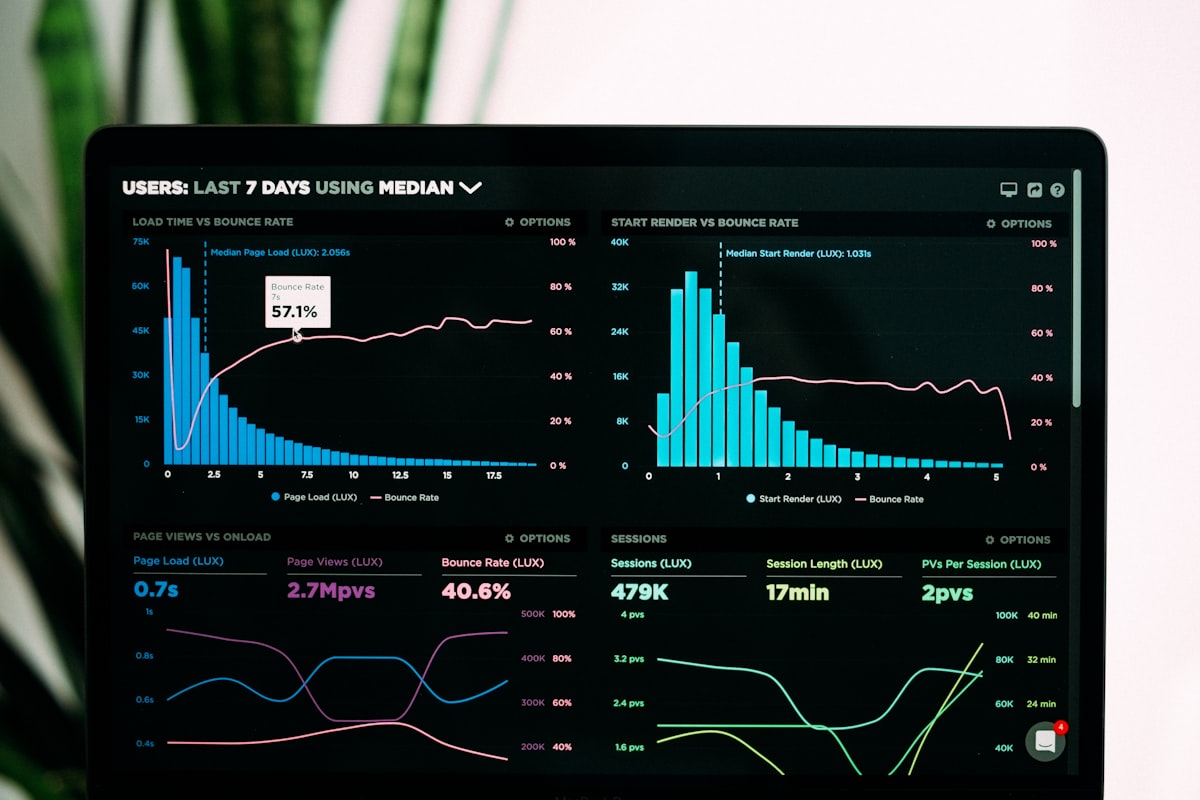
The average CRM generates 47 standard reports out of the box. Sales ops teams build another 20-30 custom reports on top. And yet, when you ask a sales leader which three metrics they check daily to make decisions, most can't answer clearly. This is the paradox of modern CRM reporting: we're drowning in data but starving for insight.
This guide strips CRM analytics back to the metrics that actually predict and drive revenue. No vanity metrics. No dashboards that look impressive but change no behavior. Just the numbers your team should be watching — and acting on — every single day.
Why Most CRM Reporting Fails
Before building better reports, let's diagnose why current ones underperform:
- Reporting ≠ Analysis. A report tells you what happened. Analysis tells you why it happened and what to do about it. Most teams stop at reporting.
- Too many metrics, no hierarchy. When everything is a KPI, nothing is a KPI. Teams need 3-5 primary metrics and 10-15 supporting diagnostics — not 50 equally weighted numbers.
- Backward-looking bias. Traditional sales metrics tell you about last month. Revenue leaders need forward-looking indicators that predict next month.
- Data quality undermines trust. If reps don't update deal stages and log activities, your reports are fiction. Beautiful fiction, but fiction.
The Sales Metrics Hierarchy: What to Track and Why
Organize your CRM analytics into three tiers: outcomes (what happened), leading indicators (what will happen), and diagnostics (why it happened).
Tier 1: Outcome Metrics (The Scoreboard)
These are the ultimate measures of sales performance. Review weekly at minimum.
- Revenue closed (vs. quota): The most basic metric. Track actual closed revenue against quota at the team and individual rep level. Segment by new business vs. expansion revenue.
- Win rate: Percentage of opportunities that result in closed-won deals. The industry average for B2B SaaS is 21% — top performers hit 30%+. Track trends, not just the absolute number.
- Average deal size: Total closed revenue divided by number of deals. A declining average deal size can mask revenue growth problems. You might be closing more deals at lower values.
- Sales cycle length: Average days from opportunity creation to close. Increasing cycle length is often the first warning sign of a market shift or competitive pressure.
Tier 2: Leading Indicators (The Crystal Ball)
These metrics predict future outcomes. They're the most actionable because you can still change the result.
- Pipeline created (this week/month): How much new pipeline is entering the funnel? If pipeline creation slows, revenue will follow 30-90 days later depending on your cycle length. This is the earliest warning system you have.
- Pipeline coverage ratio: Total pipeline value divided by remaining quota. B2B best practice is 3x-4x coverage. Below 3x, you're in danger territory. Above 5x might indicate pipeline bloat (too many low-quality opportunities).
- Meetings booked (this week): The leading indicator of pipeline creation. If meeting volume drops, pipeline creation drops, and revenue drops — in that order, with predictable lag times.
- Stage progression rate: What percentage of deals advanced to the next stage this week? A stalling progression rate means deals are stuck, and your current quarter forecast is at risk.
Tier 3: Diagnostic Metrics (The Doctor's Chart)
These help you understand why outcomes and leading indicators are moving in a particular direction.
- Activity metrics by type: Calls made, emails sent, meetings held. Not as goals in themselves, but as diagnostics when leading indicators drop. If meetings booked are down, is it because outreach volume dropped or because response rates dropped?
- Lead source performance: Which channels generate the highest-converting leads? Track conversion rates and average deal size by source to optimize marketing spend.
- Rep ramp and productivity: How long does it take new reps to reach full productivity? What does their activity and conversion rate curve look like month-over-month?
- Loss reason analysis: Why deals are being lost. Categorize into pricing, product fit, competition, timing, and no-decision. Track trends over time — a spike in "lost to competitor X" is actionable intelligence.
Building Dashboards That Drive Behavior
A great dashboard does three things: it answers a specific question, it's accessible in under 10 seconds, and it drives a specific behavior. Build these four dashboards for your sales organization:
Dashboard 1: The Daily Driver (For Reps)
What it answers: "What should I do right now?"
- Today's priority tasks (score-sorted)
- Deals with upcoming close dates
- Leads requiring follow-up
- Personal pipeline vs. quota
- Activity count for the day
Behavior it drives: Reps start each day knowing exactly where to focus. No time wasted deciding what to work on.
Dashboard 2: The Pipeline Health Check (For Managers)
What it answers: "Is my team going to hit quota this quarter?"
- Pipeline coverage ratio by rep
- Deals by stage with aging indicators
- Stage conversion rates (trending)
- Stale deal alerts
- Pipeline created this week vs. target
Behavior it drives: Managers identify at-risk reps and stalled deals early enough to intervene. Pipeline reviews are data-driven, not narrative-driven.
Dashboard 3: The Revenue Forecast (For Leadership)
What it answers: "What will this quarter actually land at?"
- Commit vs. best case vs. pipeline
- Weighted pipeline by close date
- Historical forecast accuracy (for calibration)
- Upside and downside scenarios
- Quarter-over-quarter trends
Behavior it drives: Leadership makes resource allocation, hiring, and investment decisions based on reliable forward projections.
Dashboard 4: The Operational Cockpit (For Sales Ops)
What it answers: "Is our sales engine running efficiently?"
- Lead-to-opportunity conversion rate
- Average cost per opportunity by channel
- Rep utilization (selling time vs. admin time)
- CRM data quality scores
- Automation performance metrics
Behavior it drives: Ops identifies process bottlenecks, data quality issues, and automation failures before they impact revenue.
The Reporting Mistakes That Mislead Sales Teams
Avoid these common analytics pitfalls:
- Confusing activity with productivity. 100 calls that book zero meetings is not good performance. Always connect activity metrics to outcome metrics. Calls per meeting, emails per response, meetings per opportunity — these ratios matter more than raw counts.
- Using averages without distributions. "Average deal size is $45K" hides the fact that you close a lot of $10K deals and a few $200K deals. Distributions reveal the real story. Segment your data.
- Ignoring time-based trends. A 25% win rate is meaningless without context. Is it improving, declining, or flat? A declining win rate at increasing deal sizes might be acceptable. A declining win rate at constant deal sizes is a red flag.
- Reporting on unclean data. If 30% of your deals have no close date, your forecast is based on 70% of reality. Fix the data quality before trusting the reports. Automated CRM hygiene enforcement makes this sustainable.
- Building reports nobody uses. Before creating any new report, ask: "Who will look at this? What decision will it inform? How often?" If you can't answer all three, don't build it.
How AI Is Transforming CRM Analytics in 2026
AI doesn't just make reporting faster — it fundamentally changes what's possible:
- Anomaly detection: AI identifies unusual patterns — a sudden drop in response rates, an individual rep's win rate declining, a spike in deals stalling at a specific stage — and alerts you before the impact hits your revenue.
- Natural language queries: Instead of building reports, ask your CRM "What's my pipeline coverage for Q2?" or "Which reps are behind on activity this week?" and get instant answers.
- Predictive forecasting: AI models that analyze deal behavior patterns produce forecasts that are 35-40% more accurate than human estimates or simple weighted models.
- Prescriptive recommendations: Beyond telling you what happened and what might happen, AI can tell you what to do about it. "Deal X has a 68% chance of slipping — schedule an executive call this week to maintain momentum."
Getting Started: Your CRM Reporting Action Plan
If your current reporting feels overwhelming or useless, start over with this approach:
- Delete all existing dashboards. Seriously. Start with a blank slate.
- Identify your top 5 metrics from the hierarchy above. These are your primary KPIs.
- Build one dashboard per audience (reps, managers, leadership, ops). Each dashboard has 5-7 widgets max.
- Set up automated alerts for threshold breaches. Pipeline coverage below 3x? Alert. Deal stalled for 14+ days? Alert. Win rate drops below 20%? Alert.
- Review and prune monthly. Remove any metric that hasn't driven a decision in the last 30 days. Add new ones only when you have a specific question they answer.
Great CRM reporting isn't about having more data. It's about having the right data, presented clearly, to the right people, at the right time. Build your analytics with that principle, and your dashboards will drive revenue instead of collecting dust.
Writing about AI-powered CRM, sales automation, and the future of revenue teams at Fulcrum CRM.